
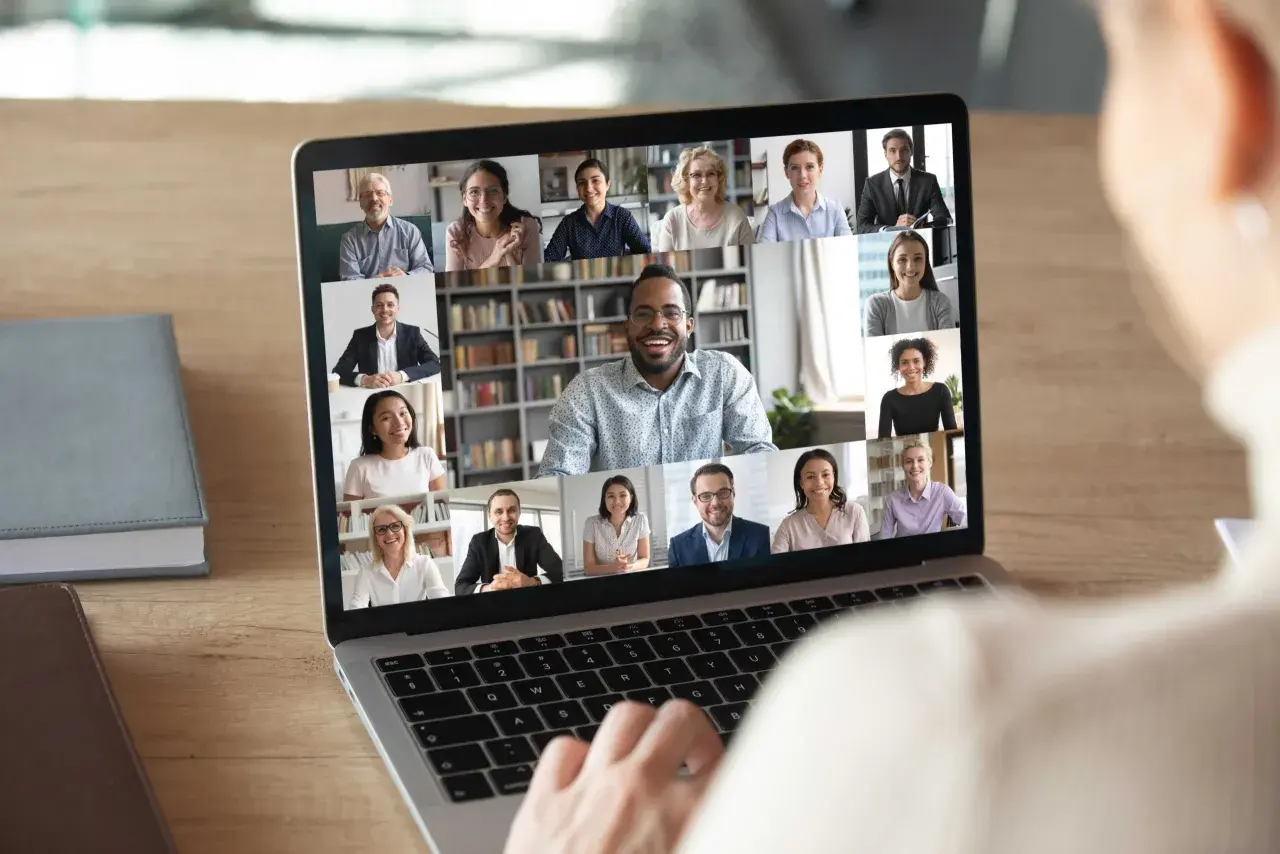
A strong virtual networking session is less about technology and more about structure, tone, and follow-through. When I plan how to host a virtual networking event, I focus on giving participants a reason to speak, a simple way to join, and a clear path to continue the conversation afterward. This article covers the format, agenda, communication, facilitation, accessibility, and follow-up choices that turn a polite login into a useful professional connection.
What makes a virtual networking event actually work
- Choose a format with a clear purpose instead of trying to please everyone.
- Keep the live session tight, usually around 45 to 60 minutes.
- Use prompts, breakout rooms, and time limits to prevent awkward silence.
- Make the invitation, reminders, and access details easy to understand.
- Build inclusion into the event from the start with captions, flexible participation, and accommodation options.
- Measure success by real connections, not just registrations or attendance.
Choose a format that matches the outcome you want
The biggest mistake I see is starting with the tool instead of the goal. A virtual networking event can be a community mixer, a hiring-focused meet-and-greet, a peer roundtable, or a relationship-building session for employees across teams. Each format creates a different kind of conversation, so I decide first whether the real outcome is discovery, depth, speed, or cross-functional exposure.
| Format | Best for | Why it works | Tradeoff |
|---|---|---|---|
| Open mixer | Broad communities and casual introductions | Easy to join and low-pressure | Can drift if the host does not guide it |
| Speed networking | Groups that want many quick connections | Creates energy and volume fast | Conversations can feel shallow if rounds are too short |
| Role-based roundtable | People who share a function, challenge, or industry | Supports deeper, more relevant discussion | Needs sharper moderation and better prompts |
| Panel plus breakouts | Audiences that want context before networking | Gives people a shared starting point | Requires more prep and a stronger run of show |
For most professional audiences, I prefer a focused roundtable or speed-networking format with a clear theme, because people connect faster when they know what kind of conversation they are entering. Once the format is clear, the agenda almost writes itself.

Build the agenda so conversation feels easy
A virtual networking session usually works best when it stays within 45 to 60 minutes. Too short, and people never relax; too long, and energy falls off a cliff. I like to think in short blocks with a visible rhythm, because structure lowers the social friction that makes online networking feel awkward.
- Welcome and context for 3 to 5 minutes. Explain who the event is for, how the conversation will work, and what people should do if they get stuck.
- Opening prompt for 5 minutes. Give everyone a simple first answer, such as current role, current challenge, or the kind of connection they want.
- Breakout rounds for 2 or 3 rounds of 6 to 8 minutes. Keep the groups small enough that everyone has room to speak.
- Group reset for 5 to 10 minutes. Bring people back together, share a few recurring themes, and reset the energy.
- Closing and next step for 5 minutes. Tell people exactly how follow-up will work so the event ends with momentum.
If the audience is shy or unfamiliar with one another, I shorten the first round and make the prompts more specific. If the group already knows each other, I let the discussion breathe a little longer. That structure only works if the platform can support it cleanly, so the next decision is technical.
Use tools that reduce friction, not just add features
I do not care much about flashy event software if the join process is clumsy. The best platform is the one that makes it easy to register, show up, speak, and move between small groups without confusion. For a virtual networking event, that usually means reliable breakout rooms, a clean chat panel, captions, easy host controls, and a registration flow that does not ask for unnecessary information.
- One-click joining so people can enter without troubleshooting.
- Breakout-room control so you can create small, balanced groups.
- Live captions or transcription so participants can follow along even if audio is imperfect.
- Chat and private messaging so quieter attendees still have a way to participate.
- Simple attendee profiles if matching or introductions are part of the plan.
- Recording or recap support when the event includes a short opening segment people may miss.
If people spend the first 10 minutes figuring out the interface, they are not networking anymore; they are problem-solving. I would rather have a plain, stable setup than an overbuilt one that distracts from conversation. The software matters less than the invitation that brings people into it, which is where communication starts.
Write communication that gets people to show up and participate
Good communication does more than announce the event. It tells people why the session matters, who it is for, how the format works, and what they need to do before they arrive. I prefer invitations that sound calm and specific, not promotional. A useful invite answers five questions quickly: why this event, for whom, how long, how it works, and what success looks like.
A simple example: “Join a 50-minute networking session for professionals in workplace culture and leadership. You will meet peers in small groups, share one current challenge, and leave with at least one new contact to follow up with after the session.”
- Purpose so people know whether the event is relevant.
- Audience so they understand who else will be in the room.
- Format so introverts and extroverts can prepare themselves.
- Timing so they can plan around it without guessing.
- Accessibility notes so participation is possible for more people.
- Follow-up expectations so the networking does not end when the call closes.
For U.S.-wide audiences, I also think carefully about time zones. If the group is spread across the country, I either choose a time that does not always favor one coast or I rotate the schedule across sessions. Clear reminders help too: send one 24 hours before, one an hour before, and one with the joining link and a short reminder of the conversation prompts. Once the event opens, the host has to keep the conversation moving without taking over.
Facilitate the room with a human touch
The best hosts sound like conversational designers, not referees. My job is to reduce hesitation, keep the pace steady, and make sure no one has to carry the room alone. That means I open with a simple instruction, use prompts that are easy to answer, and step in early if a breakout group gets stuck in polite silence.
I usually keep a small prompt bank ready so I can adjust for different audiences. These work well because they are concrete and low-pressure:
- What kind of work are you focused on right now?
- What would make the next month easier for you professionally?
- Which project, skill, or connection would help you most this quarter?
- What is one challenge you would like a peer perspective on?
I also like to give participants permission to pass if they need a moment. That small line matters more than people think. It makes the room feel safer, and safer rooms usually produce better conversations. If you are using breakout rooms, it helps to assign a timekeeper or give each group a simple structure: quick introductions, one shared prompt, one minute left warning, and a final exchange of contact details. Even a very good conversation can lose value if it ends without a next step, and that leads directly into inclusion.
Make the event inclusive and accessible by default
Inclusive networking is not a separate track; it is the standard that makes the event usable for more people. I start with the basics: captions, simple language, readable slides, and a clear way to request accommodations. I also avoid forcing people to use cameras, because not everyone has a quiet space, strong bandwidth, or the same level of comfort on video.
- Enable captions and keep the pacing slow enough for them to be useful.
- Share the agenda in advance so people can prepare without stress.
- Use plain language and explain jargon when it is necessary.
- Offer chat-based participation so quieter attendees are not excluded.
- Make pronouns and job titles optional if those fields are used in registration or introductions.
- Avoid overloading the form with fields that do not help the event work better.
- Give people an easy way to request support before the session begins.
For a U.S. audience, accessibility also includes time, because not every schedule is equally easy for every group. I think about regional coverage, caregiving demands, and screen fatigue, especially when the event is part of a larger workplace culture program. If the room feels welcoming to the people with the fewest advantages, it usually feels better for everyone else too. Once that part is in place, the next question is whether the event actually created useful connections.
Measure whether it created real connections
Attendance alone does not tell me much. A networking session can be technically full and still fail if people leave without a useful contact or a reason to follow up. I prefer to measure both participation and connection quality, because the second one is the one that matters.
- Registration-to-attendance rate to see whether the invitation and timing worked.
- Average participation in chat, breakouts, or polls to gauge engagement.
- Number of follow-up exchanges if the platform supports opt-in contact sharing.
- Post-event survey responses to check whether people met someone relevant.
- Qualitative feedback on pacing, prompt quality, and accessibility.
I keep the survey short, usually three questions or fewer: Did the format feel easy to join? Did you make a useful connection? What should change next time? That gives me enough signal to improve without annoying people. After the room closes, the follow-up is what turns a pleasant session into a useful network.
Keep a repeatable template for the next event
If I were running this as a recurring program, I would not rebuild it from scratch every time. I would save the pieces that worked: the invite copy, the run of show, the breakout prompts, the accessibility checklist, and the follow-up message. That creates consistency and makes each event easier to improve in a measured way.
The strongest version of this process is simple: choose a clear format, keep the agenda tight, reduce technical friction, communicate with precision, and facilitate in a way that makes participation feel easy. If you do that well, the event stops feeling like a one-off online gathering and starts behaving like a real professional connector. That is the point of the work, and it is usually the difference between people showing up once and people coming back again.
