
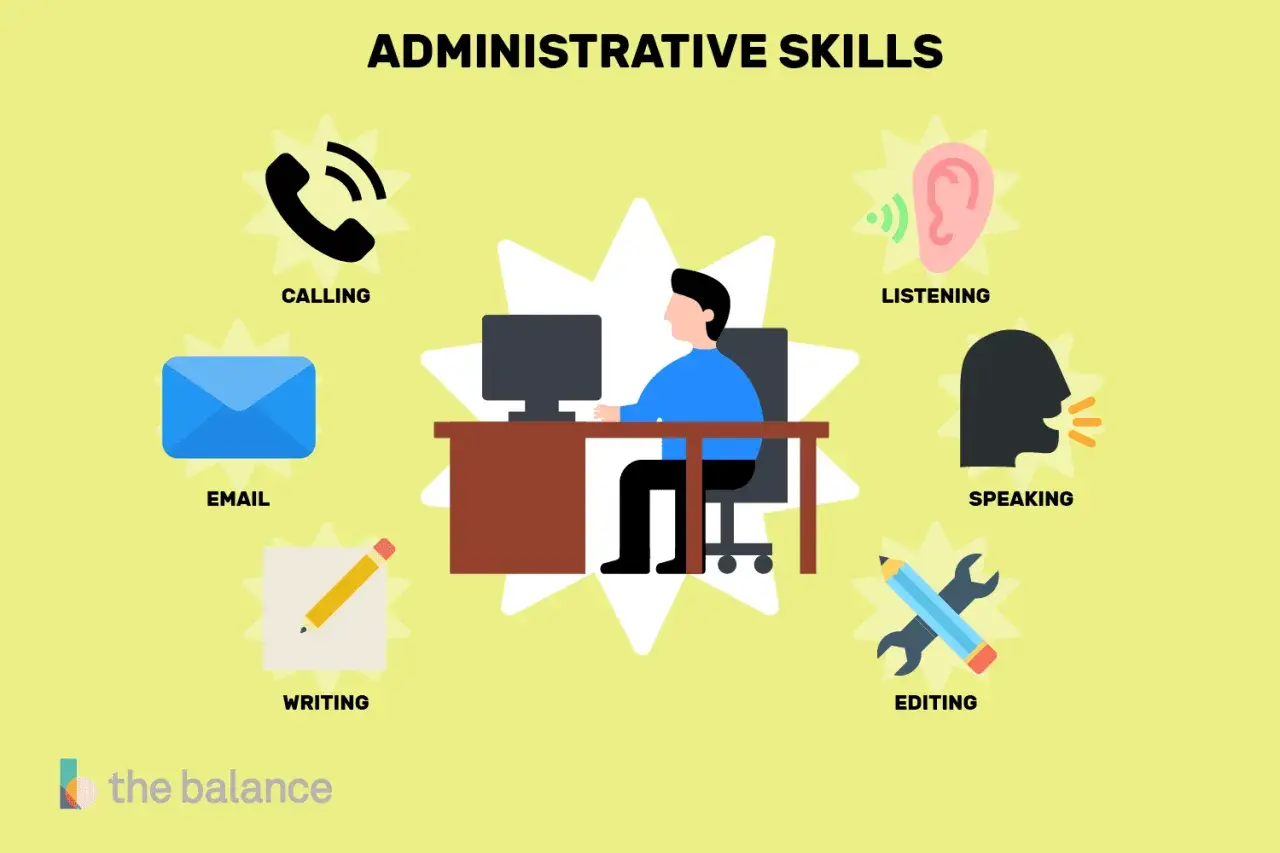
Strong office support is rarely flashy, but it keeps schedules clean, information moving, and people from wasting time on avoidable confusion. The strongest administrative skills are the ones nobody notices until they disappear. In this article, I break down what those skills actually cover, why employers still value them in U.S. careers, and how to build them in a way that strengthens both performance and workplace culture.
The practical skills that keep office work moving
- Office support is built on reliable organization, clear communication, and consistent follow-through.
- When I talk about administrative skills, I mean the systems that keep calendars, documents, and tasks under control.
- Employers still value this work because it reduces friction across teams, even as routine tasks become more automated.
- The most useful abilities include attention to detail, time management, discretion, tech fluency, and problem-solving.
- These strengths transfer well into roles like administrative assistant, office manager, executive assistant, receptionist, and HR support.
- The fastest way to improve is to build repeatable processes that make work easier to track, hand off, and audit.

What the role really covers in an office setting
When people imagine office support, they often picture filing cabinets and phone calls. That is part of it, but the real job is broader: keeping the daily flow of work stable enough that other people can do their jobs without constant interruptions. In practice, administrative work often includes scheduling meetings, screening email, preparing documents, updating records, tracking deadlines, handling basic data entry, and making sure information reaches the right person at the right time.
I usually think of it as the operating layer of an office. If that layer is weak, everything else gets slower, noisier, and more error-prone. If it is strong, a team can move quickly without feeling chaotic. That is why the role matters in careers across healthcare, education, government, professional services, and small business settings alike.
This also explains why the skill set is not limited to one job title. A receptionist, an executive assistant, and an office coordinator may do very different tasks, but they all depend on the same core habits: accuracy, responsiveness, and a calm way of handling moving parts. From there, the next question is not just what the work includes, but why employers continue to invest in it.
Why employers still value it in the U.S. job market
The labor market has changed, but office coordination has not become less important. The Bureau of Labor Statistics projects that office and administrative support employment will decline over the 2024 to 2034 decade, yet it still expects about 2 million openings each year on average because workers retire, transfer, or leave the field. That tells me something important: the work is being reshaped by technology, not erased by it.
Automation can handle parts of the job that are repetitive, such as reminders, basic routing, or document generation. What it cannot replace as easily is judgment. Someone still has to decide what matters first, catch small errors before they spread, handle a scheduling conflict diplomatically, and keep communication respectful when several people need the same information at once.
That is also why these abilities remain useful outside classic office roles. A project manager, a team lead, a healthcare coordinator, and an operations specialist all rely on the same foundation. The title may change, but the underlying value stays the same: fewer mistakes, smoother handoffs, and less wasted time.
The core abilities employers look for
When I look at job descriptions for office support work, the same patterns keep showing up. The details may differ, but the expectations are consistent: be organized, communicate clearly, stay accurate, and keep things moving. The table below shows what that looks like in practical terms.
| Ability | What it looks like in practice | Why it matters |
|---|---|---|
| Organization | Keeping calendars, files, tasks, and follow-ups in a system that other people can understand | Prevents missed deadlines and makes handoffs easier |
| Communication | Writing clear emails, asking precise questions, and giving updates without confusion | Reduces back-and-forth and avoids preventable mistakes |
| Time management | Prioritizing urgent work, protecting focus time, and closing loops on schedule | Keeps the day from being controlled by interruptions |
| Attention to detail | Checking names, dates, attachments, formats, and numbers before sending or filing | Protects accuracy and professional credibility |
| Discretion | Handling private information carefully and knowing what should stay confidential | Builds trust with leaders, clients, and coworkers |
| Tech fluency | Using calendars, spreadsheets, shared drives, and office software without friction | Makes the workflow faster and easier to scale |
| Problem-solving | Fixing small process issues before they become recurring disruptions | Helps the office stay steady under pressure |
What stands out to me is that none of these abilities is purely technical. Software helps, but it does not create reliability by itself. Reliability comes from habits: checking work, documenting decisions, and making sure the next person in the chain is not left guessing.
How these strengths show up across common career paths
The same foundational strengths can lead to very different careers, which is one reason this skill set is so useful. Here is how I see it play out in common roles.
| Role | Main focus | What changes as the role grows |
|---|---|---|
| Administrative assistant | Scheduling, documentation, correspondence, and daily coordination | More ownership of priorities, deadlines, and communication flow |
| Office manager | Keeping the office running, maintaining processes, and supporting staff needs | More responsibility for systems, vendors, and workplace operations |
| Executive assistant | Supporting a leader’s schedule, travel, meetings, and confidential work | More strategic judgment and higher-stakes decision support |
| Receptionist | First contact, visitor flow, phone management, and basic service coordination | More emphasis on service quality and front-door professionalism |
| HR or operations support | Records, onboarding, employee communication, and process upkeep | More need for confidentiality, consistency, and policy awareness |
This is where career planning gets practical. If you are strongest at precision and process, office operations may suit you. If you are better at reading people and managing priorities for a busy leader, executive support may be the better fit. If you enjoy making systems run smoothly for a whole team, office management or operations work can be a strong next step. The skill set is shared, but the pressure points are not identical.
How to build these skills without waiting for a title
I do not think people become strong in office support by reading about it once. They get better by making their work more repeatable. That means creating simple systems, using them consistently, and improving them when they fail.
- Start with one recurring task, such as scheduling or inbox follow-up, and build a clear process for it.
- Use a single place to track deadlines, instead of relying on memory and scattered notes.
- Write short status updates that tell others what is done, what is next, and what is blocked.
- Practice clean handoffs by saving files with names that someone else can understand without asking.
- Look for one task each week that can be simplified, documented, or automated.
Where people usually stumble
The most common mistakes are usually not dramatic. They are small habits that pile up. A person relies too much on memory, lets the inbox control the day, switches between too many tools, or fails to document decisions that will matter later. On their own, each issue looks minor. Together, they create avoidable friction.
- Working without a system, which turns every task into a fresh problem.
- Confusing responsiveness with priority, which makes urgent but unimportant requests dominate the day.
- Skipping checks on names, dates, attachments, or numbers, which creates preventable errors.
- Keeping knowledge in one person’s head, which makes the team fragile if that person is out.
- Treating office support as low-status work, which leads to burnout and weak process ownership.
The last mistake is the one I care about most. If a team sees administrative work as invisible labor, it usually underinvests in the people doing it. That is bad management, not just bad culture. Strong office support deserves real standards, real tools, and real recognition.
Why office support quietly shapes fairness and trust
This is where the topic connects directly to inclusive leadership and workplace culture. Good administrative work is not only about efficiency; it is also about access. Clear agendas help people prepare. Accurate records reduce confusion. Consistent scheduling makes meetings more equitable. Careful documentation helps new hires, remote staff, and people who need structure to participate fully.
I also see a strong link to psychological safety. When communication is orderly and expectations are visible, people are less likely to feel excluded or left out of the loop. That matters in hybrid teams, where information can easily get trapped in side conversations, private chats, or assumptions about who “should have known.” Administrative systems can either reinforce that problem or correct it.
My practical view is simple: strong office support is infrastructure for the rest of the organization. It keeps work legible, protects people’s time, and makes it easier for teams to operate with consistency and respect. If you build those habits well, you are not just handling tasks. You are shaping how the workplace feels to everyone in it.
